Type of Computer Printer: The Complete Easy Guide (2026)
Published: 12 Feb 2026
Choosing the right type of computer printer can feel confusing because printers look similar—but work very differently. Some are built for sharp text, others for photos, receipts, labels, posters, or even 3D objects.
This guide breaks down all major printer types, explains what each one is best for, and adds the key info many competitor articles miss—like running costs, maintenance, buying checklists, and a simple “pick the right one” shortcut.
Quick Answer: What are the main types of computer printers?
The most common computer printer types are:
- Inkjet printers
- Ink tank (continuous ink) printers
- Laser printers
- LED printers
- Thermal printers
- Dot matrix printers (legacy)
- Photo printers (specialized inkjets)
- Sublimation printers
- Large-format (wide-format/plotter) printers
- Label printers
- 3D printers
- Multifunction (all-in-one) printers (a feature category)
Quick Picker: Choose the right printer in 30 seconds
Use this if you don’t want to read everything.
Best printer type for…
- Home + school (documents + light photos): Inkjet or Ink Tank
- Lots of text (fast + lower cost per page): Laser (mono or color)
- Cheapest long-term printing at home: Ink Tank (EcoTank/MegaTank)
- Best photo quality: Photo Inkjet (multi-ink) or dedicated Photo Printer
- Receipts / POS / shipping labels: Thermal (direct thermal or transfer)
- Stickers/labels with durability: Thermal Transfer Label Printer
- T-shirts, mugs, merchandise: Sublimation (with heat press)
- Posters, banners, CAD drawings: Large-format / Plotter
- Invoices on multipart forms (old retail setups): Dot Matrix
- Prototypes / models / parts: 3D Printer
- Scan + copy frequently: Multifunction (MFP) with ADF scanner
Comparison Table: Types of Computer Printers (At a Glance)
| Printer Type | Best For | Strengths | Watch Outs |
|---|---|---|---|
| Inkjet | Home, mixed use, photos | Great color, flexible media | Ink costs add up, can clog if unused |
| Ink Tank (Continuous Ink) | Low-cost printing | Very cheap per page, high yield | Higher upfront cost, bigger footprint |
| Laser | Office, high-volume text | Fast, sharp text, efficient | Photos less “photo-realistic”, toner cost |
| LED | Office printing | Similar to laser, fewer moving parts | Fewer model options, varies by brand |
| Thermal | Receipts, labels | No ink, fast, low maintenance | Special paper, fading (direct thermal) |
| Sublimation | Merchandise | Durable, vibrant transfer prints | Needs heat press; works best on polyester/coated surfaces |
| Photo Printer | Photography | Best photo gradients + color accuracy | Higher cost per photo; more inks |
| Dot Matrix | Forms/receipts (legacy) | Cheap ribbons, prints carbon copies | Noisy, low quality, outdated |
| Large-format/Plotter | Posters/CAD | Prints big sizes (A1/A0) | Expensive + space-consuming |
| Label Printer | Shipping/retail labels | Fast label output, accurate barcodes | Limited to label media; some need special ribbons |
| 3D Printer | Physical objects | Makes models/prototypes | Not for paper; learning curve |
| MFP (All-in-one) | Home office | Print/scan/copy/fax in one | Choose carefully—scanner quality varies |
1) Inkjet Printers (Most Common Home Printer)

Inkjet printers spray tiny droplets of liquid ink onto paper. They’re popular because they’re affordable and handle both documents and color images well.
Best for
- Home printing, school work, occasional color
- Casual photo printing
- Crafts and mixed media (depending on model)
Advantages
- Excellent color output
- Prints on many paper types (glossy photo paper, matte, cardstock on some models)
- Often compact and budget-friendly
Disadvantages
- Ink cartridges can be expensive per page
- If you rarely print, ink can dry/clog (especially older models)
- Slower than laser for big document stacks
Pro tip: If you print once or twice a week, inkjets stay healthier. If you print once every few months, consider laser or ink tank.
2) Ink Tank / Continuous Ink Printers (Lowest Cost Per Page)
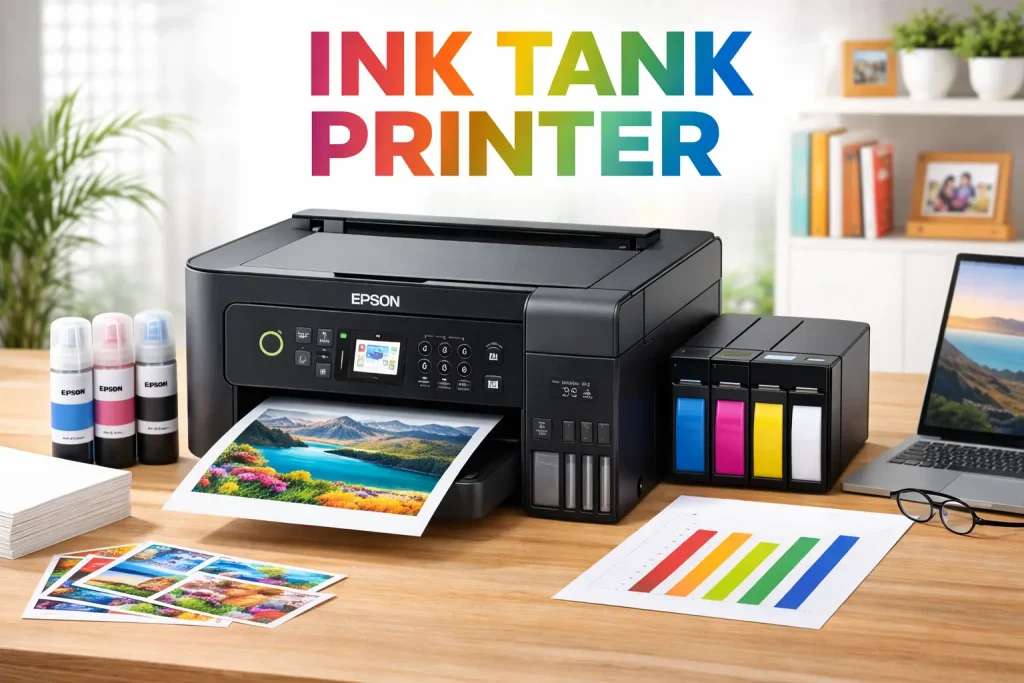
Ink tank printers (often called EcoTank or MegaTank style) store ink in refillable tanks instead of small cartridges. This is one of the biggest “missing details” in many competitor guides: these are often the best value for most families and home offices in 2026.
Best for
- Families, students, small offices
- Anyone who prints regularly and wants low running cost
Advantages
- Very low cost per page
- High page yield before refilling
- Less plastic waste than disposable cartridges
Disadvantages
- Higher upfront price than basic inkjets
- Can be larger than standard inkjets
- Still needs occasional printing to avoid clogs (less common, but possible)
Best fit scenario: If you print 100+ pages/month, ink tank usually pays for itself fast.
3) Laser Printers (Fast Text + Office Workhorse)
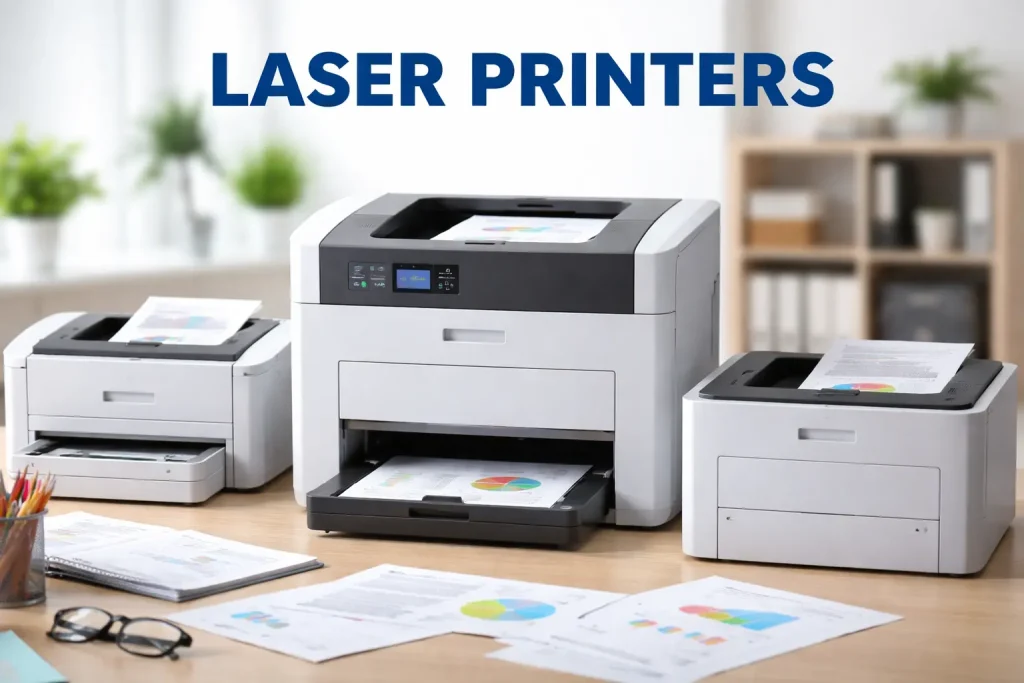
Laser printers use a laser (or LED array in similar models) to fuse toner powder to paper. They’re the go-to choice for speed and crisp text.
Best for
- Office documents, contracts, invoices
- High-volume printing
- Shared printers for multiple users
Advantages
- Fast printing, especially for big jobs
- Sharp text output
- Toner doesn’t dry out like ink
Disadvantages
- Color laser printers cost more upfront
- Photo printing isn’t as “photo-realistic” as inkjet
- Toner replacements can be pricey (but usually last long)
Smart pick: If your printing is mostly black text, a mono laser is one of the most reliable options.
4) LED Printers (Laser-Like, Different Light Source)
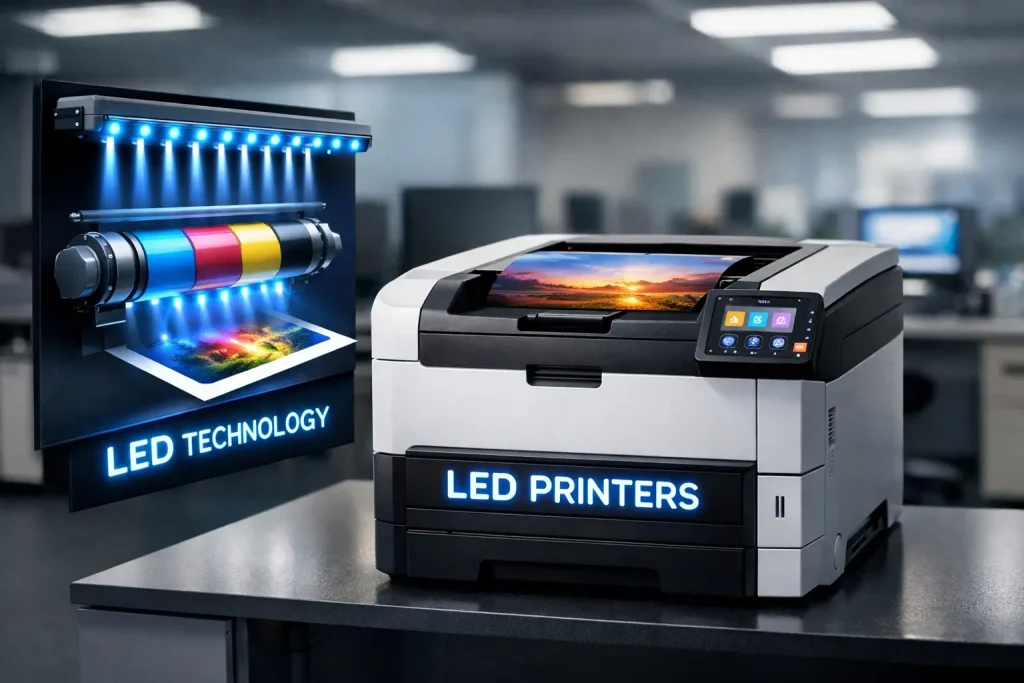
LED printers are similar to laser printers but use light-emitting diodes instead of a laser beam. Real-world performance often feels similar.
Best for
- Office printing where you want laser-style speed and reliability
Advantages
- Efficient and reliable
- Often fewer moving parts
Disadvantages
- Fewer models available compared to laser
- Quality varies between manufacturers
5) Multifunction Printers (All-in-One: Print + Scan + Copy)
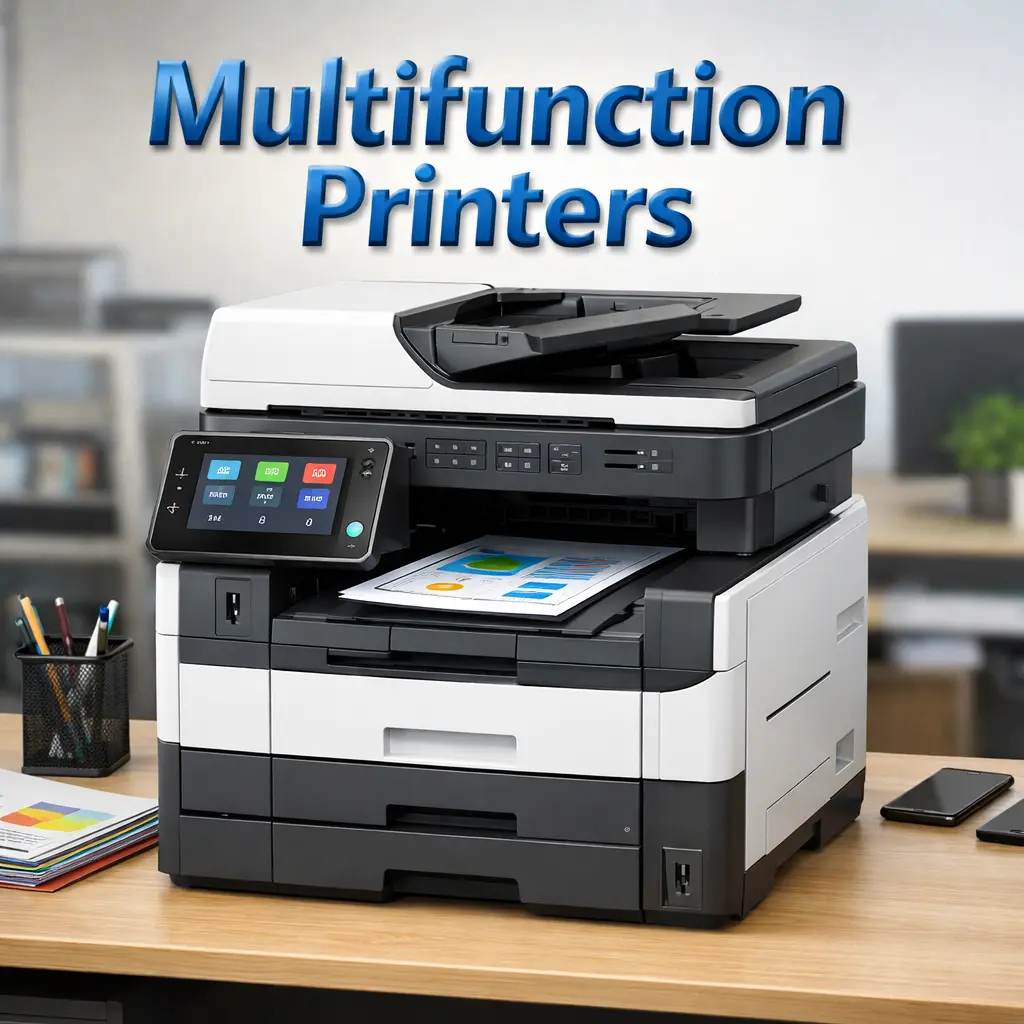
A multifunction printer (MFP) isn’t a printing technology like inkjet or laser—it’s a feature category. MFPs can be inkjet, ink tank, or laser.
Best for
- Home offices and small businesses
- Anyone who scans documents often
What competitors often don’t explain (important!)
If scanning matters, look for:
- ADF (Automatic Document Feeder): scans stacks of pages
- Duplex scanning: scans both sides (huge time-saver)
- Flatbed scanner: best for IDs, books, fragile papers
6) Thermal Printers (Receipts, Shipping Labels, Barcodes)
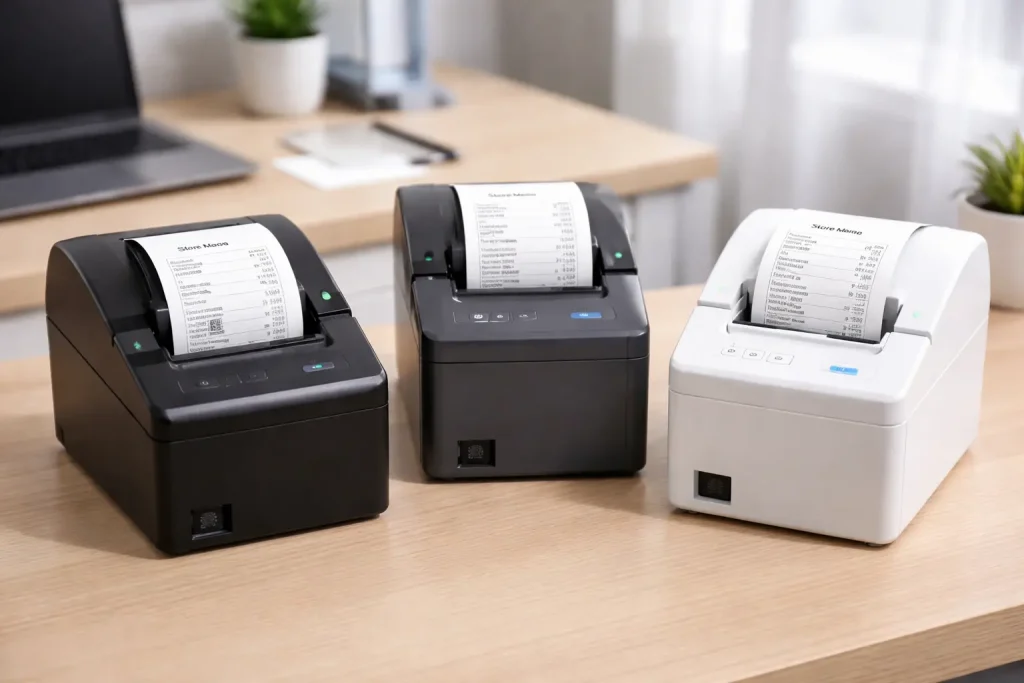
Thermal printers don’t use ink or toner. They use heat to create images on special paper—perfect for labels and receipts.
Two main types
- Direct Thermal: uses heat-sensitive paper (common for receipts)
- Thermal Transfer: uses ribbon + label media for more durable labels
Best for
- POS receipts
- Shipping labels
- Barcode labels and inventory stickers
Advantages
- Very fast
- Low maintenance
- No ink mess
Disadvantages
- Direct thermal prints can fade with heat/sunlight over time
- Limited to specific paper/label types
7) Dot Matrix Printers (Old-School but Still Useful)
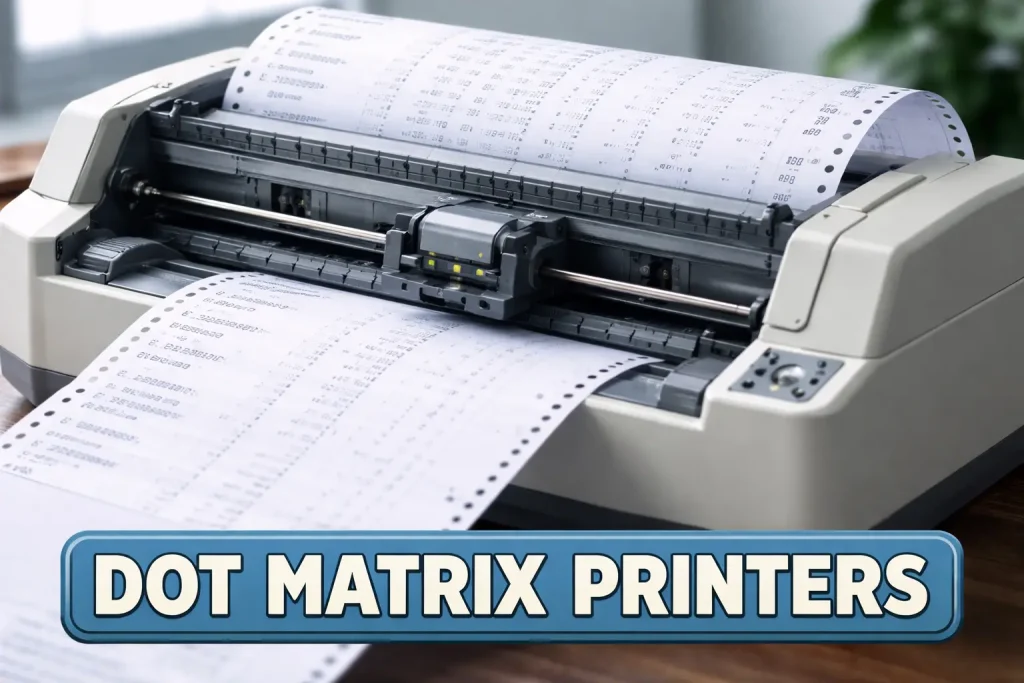
Dot matrix printers use pins striking an ink ribbon to form characters using dots.
Best for
- Multipart forms (carbon copies)
- Some warehouses and legacy billing setups
Advantages
- Cheap ribbons
- Can print through multi-layer forms
Disadvantages
- Noisy and slow
- Low print quality
- Not ideal for modern design or photos
8) Photo Printers (For True Photo-Like Output)
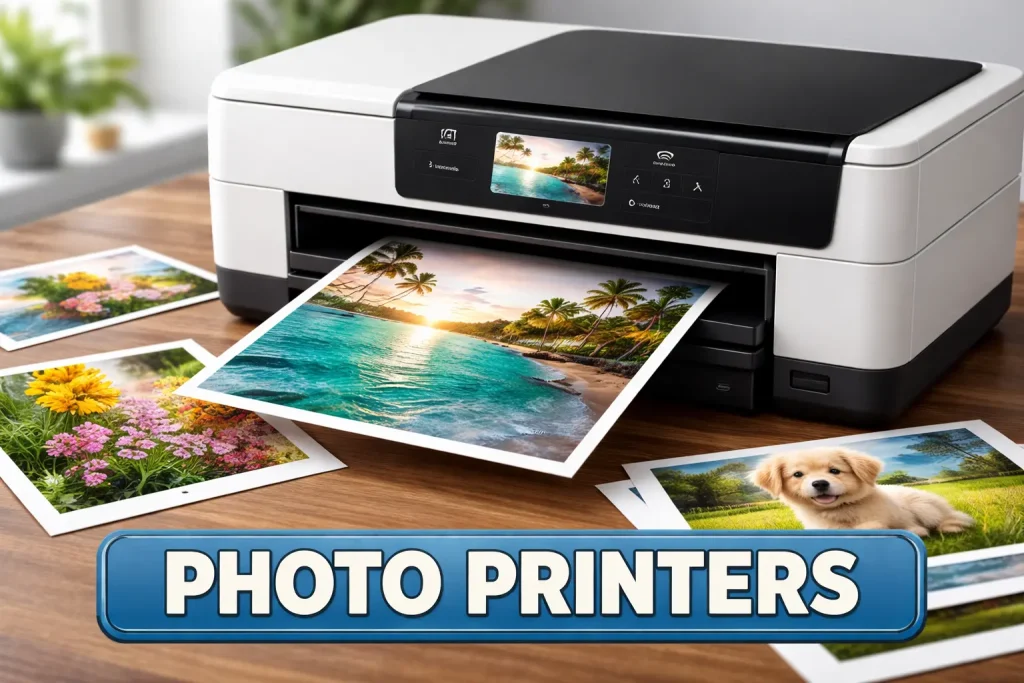
Most photo printers are specialized inkjets designed for better gradients, skin tones, and color accuracy. Many use extra ink colors (more than standard CMYK).
Best for
- Photographers and creatives
- High-quality home photo printing
Advantages
- Better photo realism and smooth gradients
- Borderless printing options
Disadvantages
- Higher cost per print
- More inks = more maintenance and replacements
9) Sublimation Printers (For T-Shirts, Mugs, Merch)
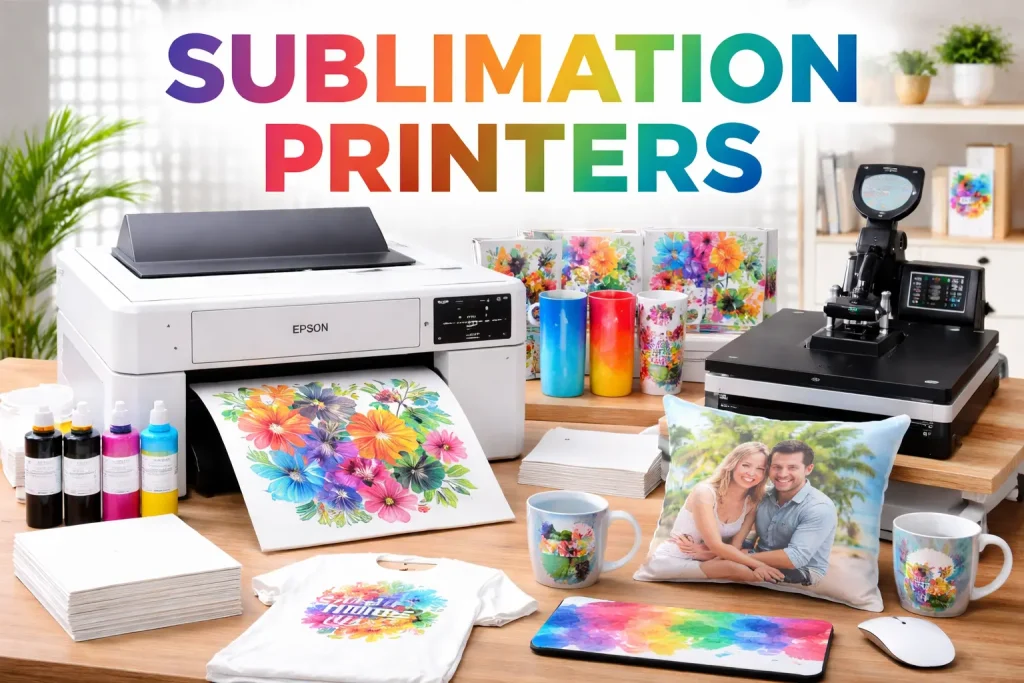
Sublimation uses heat to transfer dye into polyester fabrics or coated surfaces.
Best for
- Custom merchandise businesses
- T-shirts, mugs, keychains, metal plates (coated), etc.
Advantages
- Durable prints that resist cracking/peeling
- Vibrant colors
Disadvantages
- Works best on polyester or coated blanks
- Requires a heat press (important extra cost)
10) Large-Format / Plotter Printers (Posters, Banners, CAD)
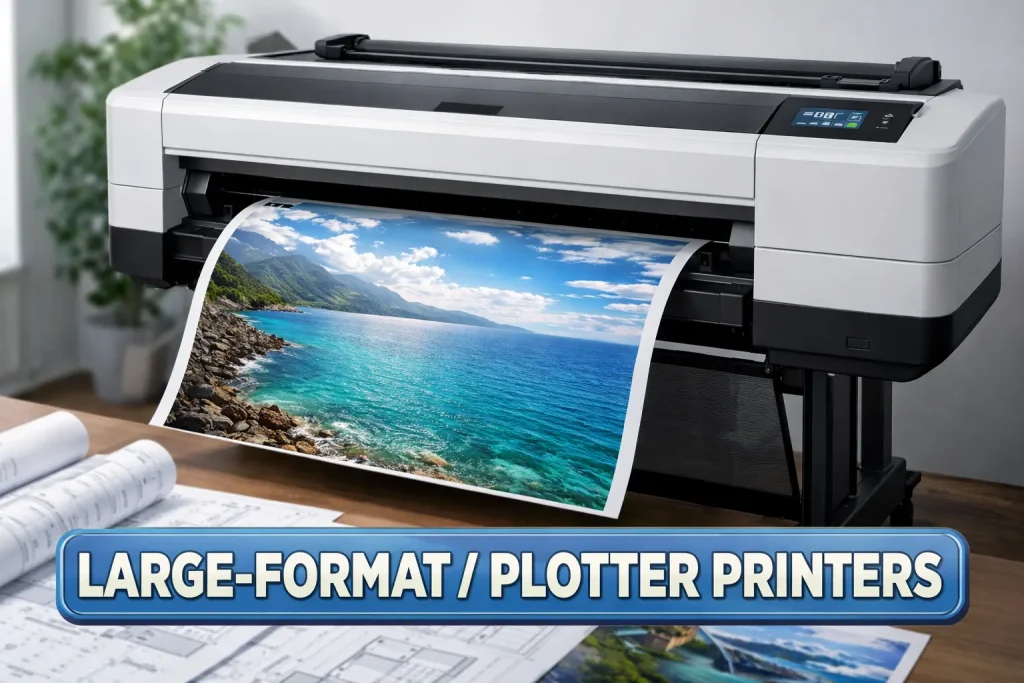
Large-format printers handle bigger media sizes like A1/A0 or wide rolls.
Best for
- Architects, engineers, designers
- Posters, banners, signage
Advantages
- Prints large, detailed graphics
- Great for professional layouts and drawings
Disadvantages
- Expensive and space-hungry
- Media costs can be high
11) Label Printers (Specialized for Labels and Stickers)

Label printers are built for producing consistent labels, barcodes, and shipping stickers. Many are thermal-based.
Best for
- E-commerce sellers
- Retail and inventory management
- Shipping departments
Advantages
- Accurate, fast label output
- Better efficiency than using a normal printer + label sheets
Disadvantages
- Limited use outside labels
- Some need special ribbons/media
12) 3D Printers (Not Paper Printers, But Still “Printers”)
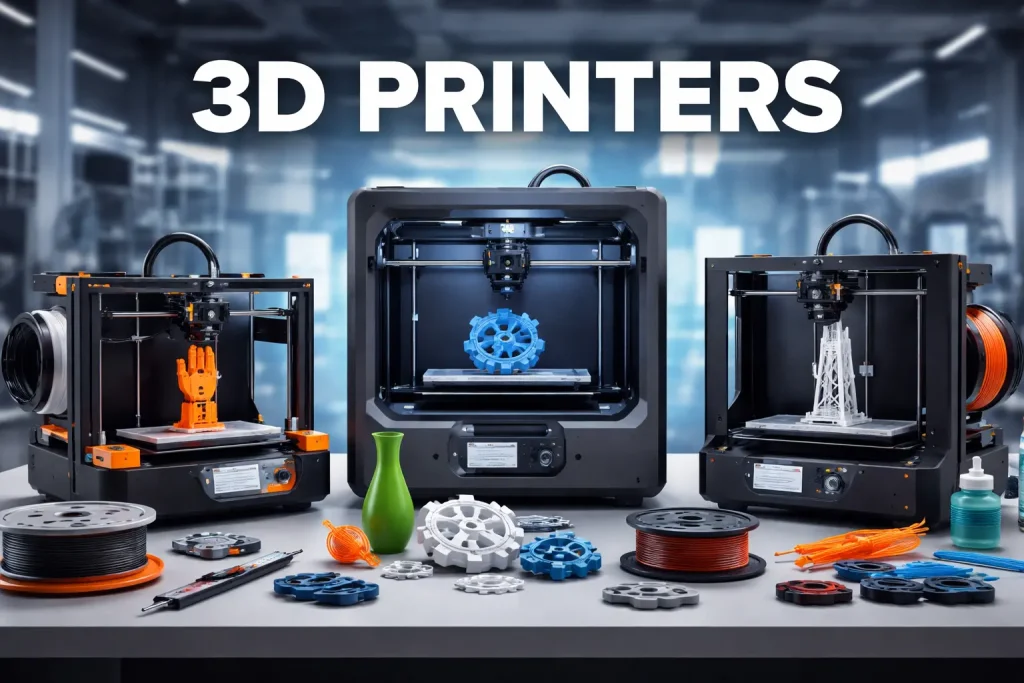
3D printers create physical objects layer by layer using plastic (or resin).
Best for
- Prototyping, parts, hobby builds
- Engineering, product design, education
Advantages
- Custom object creation
- Great for prototypes and models
Disadvantages
- Maintenance and calibration
- Requires learning software and materials
Cost & Performance: What competitors usually don’t explain
When choosing a type of computer printer, don’t focus only on the purchase price.
3 key metrics that matter more than “cheap printer”
- Cost per page: cartridges vs tanks vs toner
- Monthly print volume: light, medium, heavy use
- Maintenance reality: clogs, drums, fusers, paper handling
Simple rule
- Occasional printing: Laser or standard inkjet
- Frequent home printing: Ink tank
- High-volume office: Laser / LED
- Receipts/labels: Thermal
- Photo-first: Photo inkjet
2026 Printer Buying Checklist (Quick and Practical)
Before you buy, check these:
Must-check features
- Duplex printing (prints both sides)
- Wi-Fi + mobile printing (AirPrint/Mopria/app printing)
- Paper tray capacity (less refilling)
- Ink/toner yield (look for ISO page yield numbers)
- ADF scanner (if you scan a lot)
- Warranty + service availability
Nice-to-have (depends on you)
- Borderless printing (photos)
- Memory card/USB printing
- Touchscreen controls
- Ethernet port (stable office networking)
Common Mistakes to Avoid
- Buying a cheap inkjet and then paying more on cartridges than the printer cost
- Choosing inkjet for heavy office printing (slow + expensive per page)
- Ignoring duplex printing (it saves paper and time)
- Buying sublimation without planning for heat press + compatible materials
- Getting a printer with no ADF when you scan often
FAQs: Type of Computer Printer (Quick Answers)
For most homes: ink tank (low cost long-term) or inkjet (lower upfront cost).
Choose laser for fast, sharp text and frequent document printing.
Choose inkjet for better photo color and mixed media.
A thermal label printer is usually the easiest and fastest option.
Less often than old inkjets, but printing occasionally helps keep the system healthy.
A photo inkjet printer (often with extra ink colors) gives the best photo realism.
Final Takeaway
- The best type of computer printer depends on what you print most:
- Text-heavy + volume: Laser / LED
- Lowest cost at home: Ink tank
- Mixed home printing: Inkjet
- Receipts + labels: Thermal
- Merch printing: Sublimation
- Posters/CAD: Large-format
- Carbon-copy forms: Dot matrix
- Physical objects: 3D printer


- Be Respectful
- Stay Relevant
- Stay Positive
- True Feedback
- Encourage Discussion
- Avoid Spamming
- No Fake News
- Don't Copy-Paste
- No Personal Attacks
- Be Respectful
- Stay Relevant
- Stay Positive
- True Feedback
- Encourage Discussion
- Avoid Spamming
- No Fake News
- Don't Copy-Paste
- No Personal Attacks
