10 Uses of Keyboard – Simple and Complete Guide for Beginners
Published: 27 Jan 2026
A keyboard is one of the most important parts of a computer. From typing homework to playing games and controlling the system, the keyboard helps us communicate with the computer easily. Without a keyboard, using a computer would be slow and difficult.
In this article, you will learn the uses of keyboard in simple words, so anyone can understand—students, beginners, and everyday users.
What Is a Keyboard?

A keyboard is an input device that allows users to enter letters, numbers, symbols, and commands into a computer. It has many keys, and each key performs a specific function. When you press a key, the computer understands what action to take.
Uses of Keyboard
The keyboard is used in almost every computer task. Below are the most important uses of a computer keyboard, explained clearly.
1. Typing Text and Numbers

The most common use of a keyboard is typing.
People use the keyboard to:
- Write emails and messages
- Type homework, assignments, and notes
- Create articles, stories, and blogs
- Enter numbers for calculations
- Search for information on the internet
Typing is the basic foundation of uses of keyboarding, especially for students and office workers.
2. Creating Documents

Keyboards are widely used to create documents in software like Word or Google Docs.
Uses include:
- Writing letters and reports
- Making school projects
- Formatting text using shortcut keys
- Adding headings, bullet points, and paragraphs
This is one of the most practical uses of computer keyboard in daily life.
3. Using Keyboard Shortcuts
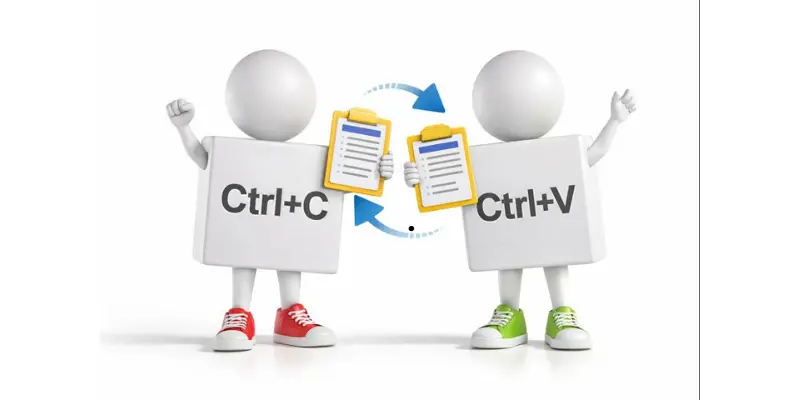
Keyboard shortcuts help users work faster by pressing two or more keys together.
Common uses:
- Copy and paste text quickly
- Save files instantly
- Undo or redo mistakes
- Switch between applications
- Close programs without a mouse
Shortcuts save time and improve productivity, which makes keyboarding very important.
4. Searching on the Internet

People use the keyboard to:
- Type search queries in Google
- Enter website addresses
- Find information quickly
- Browse news, videos, and study material
Without a keyboard, searching online would be slow and inconvenient.
5. Playing Computer Games
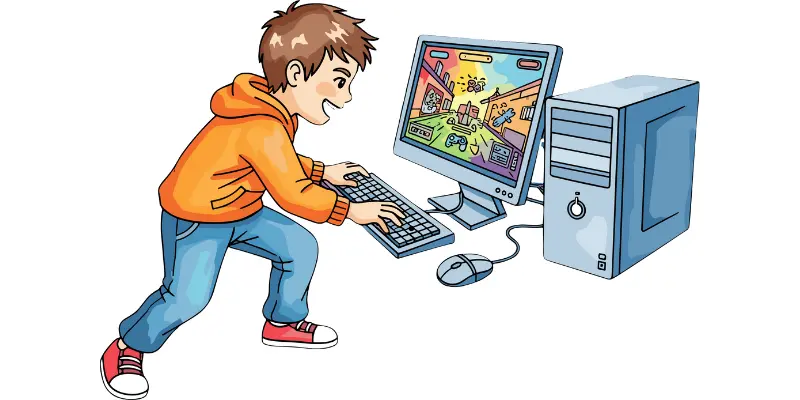
The keyboard is heavily used in gaming.
Gamers use it to:
- Control characters
- Move, jump, or attack
- Pause or restart games
- Use special game commands
Many games depend entirely on the keyboard for smooth gameplay.
6. Writing Code and Programming
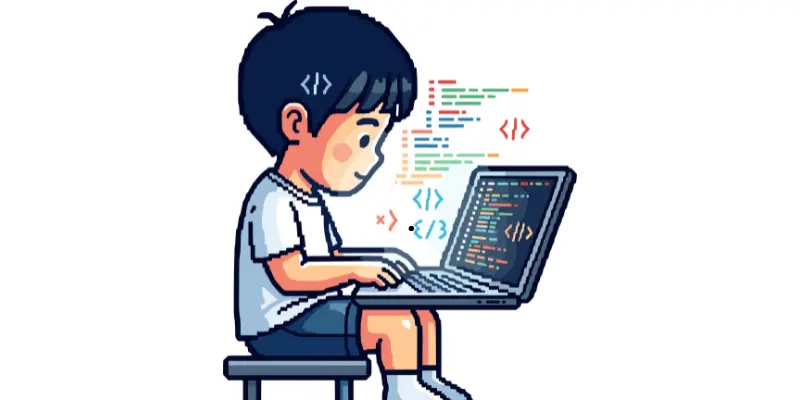
Programmers use keyboards to write computer code.
Uses include:
- Writing programming languages
- Running and testing programs
- Fixing errors quickly
- Navigating code efficiently
Fast typing and shortcut keys make programming easier and faster.
7. Filling Out Online Forms

Keyboards help users enter information in online forms.
People use the keyboard to:
- Type names and addresses
- Enter passwords and details
- Move between form fields
- Submit forms easily
This is a common and everyday use of keyboarding.
8. Chatting and Messaging

Keyboards are essential for communication.
Uses include:
- Chatting on social media
- Sending messages on WhatsApp or email
- Joining online meetings
- Typing comments and replies
Keyboards make communication quick and clear.
9. Controlling the Computer System

The keyboard helps control many computer functions.
Users can:
- Open programs
- Shut down or restart the system
- Adjust volume and brightness
- Open task manager
- Switch between open windows
This shows how powerful the keyboard is, even without using a mouse.
10. Designing and Editing Software
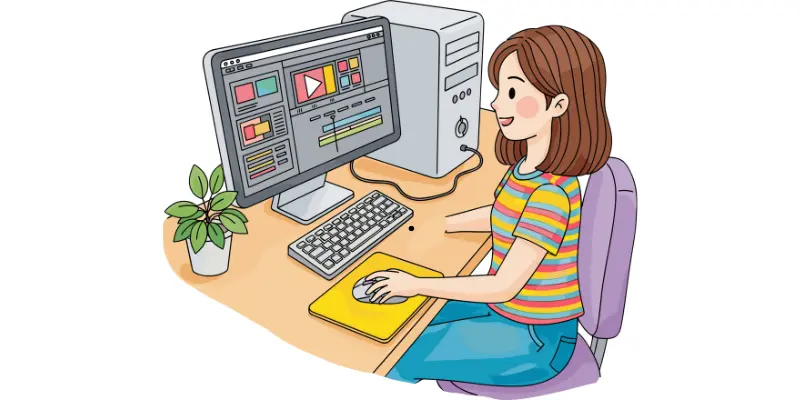
Designers and editors rely on keyboards.
They use it to:
- Select tools quickly
- Add and edit text
- Zoom in and out
- Move and align objects
- Speed up editing with shortcuts
Software like Photoshop works much faster with keyboard shortcuts.
Importance of Keyboarding Skills
Learning keyboarding improves:
- Speed and accuracy
- Focus and efficiency
- Work productivity
- Learning and communication
That’s why the uses of keyboarding are important for students, professionals, and beginners.
Conclusion
The keyboard is one of the most essential input devices of a computer. From typing and searching to gaming and programming, the use of the keyboard is everywhere in daily life. Learning proper keyboarding skills and shortcuts can make your work faster, easier, and more efficient.
Whether you are a student, teacher, gamer, or office worker, understanding the uses of a computer keyboard will help you use technology with confidence.
Frequently Asked Questions (FAQs) About Uses of Keyboard
The main use of a keyboard is to type letters, numbers, and symbols into a computer. It helps users write documents, search online, send messages, and control the computer easily.
A computer keyboard is used for:
- Typing text and numbers
- Creating documents and reports
- Using keyboard shortcuts for faster work
- Searching on the internet
Playing games and programming
Keyboarding improves typing speed, accuracy, and efficiency. It makes tasks like writing emails, completing assignments, and navigating a computer faster and easier.
While some tasks can be done using a mouse or touchscreen, a keyboard is essential for typing, coding, and using shortcuts. Most computers cannot be used efficiently without it.
Keyboard shortcuts are combinations of keys that perform tasks quickly, such as Ctrl + C for copy or Ctrl + V for paste. They save time and increase productivity.




- Be Respectful
- Stay Relevant
- Stay Positive
- True Feedback
- Encourage Discussion
- Avoid Spamming
- No Fake News
- Don't Copy-Paste
- No Personal Attacks
- Be Respectful
- Stay Relevant
- Stay Positive
- True Feedback
- Encourage Discussion
- Avoid Spamming
- No Fake News
- Don't Copy-Paste
- No Personal Attacks
